Best Podcast Mixers for 2026
Choosing a podcast mixer is often the point where creators pause and wonder if they’re about to overcomplicate things. The truth is simple: you don’t need a mixer to start podcasting, but the right one can make recording feel calmer, more controlled and far less stressful.
Many podcasts begin with a laptop and a USB microphone, and that’s perfectly fine. As soon as you add more microphones, record longer sessions or want better control over levels while you’re recording, mixers start to make a lot of sense. Discover the best podcast mixers for 2026 that focus on real home studios, practical workflows and tools that genuinely help rather than overwhelm.
What Is a Podcast Mixer?
A podcast mixer is a piece of hardware that lets you control multiple audio sources in real time. This usually means microphones, computers or external devices, all managed through physical knobs, faders and buttons rather than software sliders on a screen.
It’s important to say this clearly: you do not need a mixer to record a podcast. Many creators record excellent shows directly into a laptop using a USB microphone or audio interface. That approach is simple, affordable and perfectly valid.
Where laptops start to show limitations is control. Adjusting levels mid-recording means clicking through software menus. Monitoring audio relies heavily on your computer. If someone laughs loudly, speaks quietly or moves off-mic, you often don’t notice until editing. A mixer doesn’t replace good technique, but it gives you immediate feedback and hands-on control, which is why it’s commonly recommended once a podcast grows beyond the basics.
Key Features and Benefits to Look For
When choosing a podcast mixer, it’s easy to assume more features mean better results, but the opposite is often true. For home podcasters, the best mixers focus on clarity, control and ease of use rather than complexity.
Realistic channel count – Most home podcasts only need two to four microphone inputs, which keeps setup simple and avoids paying for unused channels.
USB connectivity – A mixer that connects directly to a computer makes recording and editing easier without needing extra hardware.
Clear gain controls and meters – Visible level indicators help you set audio correctly and catch problems before they ruin a recording.
Reliable headphone monitoring – Hearing exactly what’s being recorded in real time lets you react quickly to issues and record with confidence.
Best Budget Podcast Mixer
If you’re shopping on a budget, it’s tempting to grab the cheapest mixer available. The problem is that ultra-budget mixers often compromise on build quality, sound clarity or long-term reliability. Spending a little more up front can save frustration later.
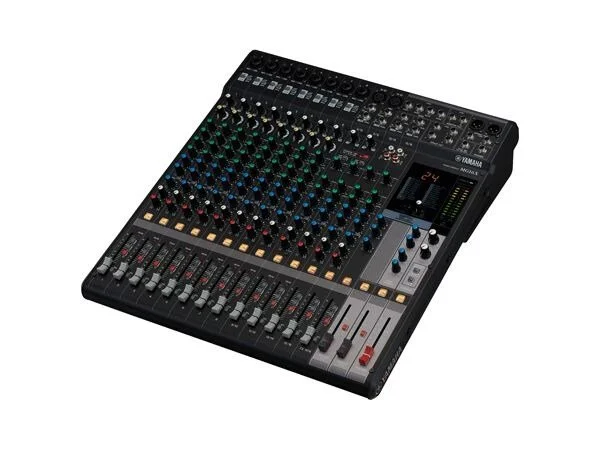
The Yamaha MG06X sits slightly above the cheapest options, but that extra spend is worth it. You get cleaner preamps, solid construction and built-in effects that cheaper mixers often skip. It’s an analogue mixer, which means you’ll still need an audio interface to record into a computer, but as a control surface it’s dependable and intuitive.
In practice, this suits a two-mic podcast at a desk where you want physical control over levels without investing in an all-in-one console. You set your gain once, adjust smoothly during the session and record clean audio without fighting noisy hardware.
Best Podcast Mixer for Beginners
For first-time mixer buyers, the biggest fear is complexity. A beginner-friendly mixer should guide you toward good results rather than demand technical knowledge.
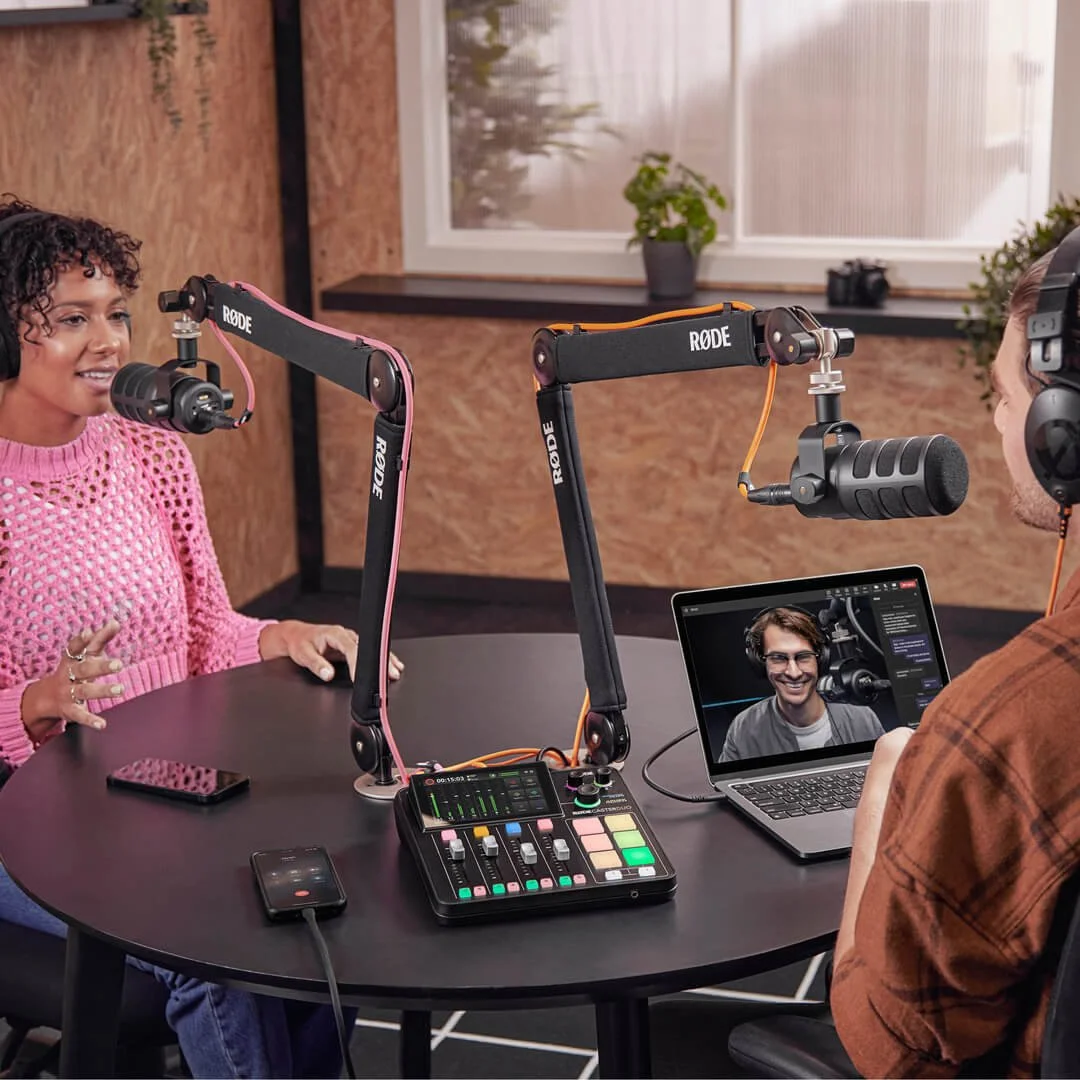
The RØDECaster Duo is built specifically for this purpose. It combines touchscreen controls, smart gain assistance and clear visual feedback in a compact format. You can connect directly to a computer via USB, plug in microphones and start recording without needing to understand audio routing or advanced settings.
A typical beginner setup might be a solo or two-host podcast recorded at home with a laptop. The Duo makes it obvious when levels are right, lets you monitor comfortably and removes a lot of guesswork. It’s forgiving, approachable and hard to mess up, which is exactly what beginners need.
Best Portable Podcast Mixer
Recording outside a home studio introduces new challenges. Power, portability and reliability matter more than deep feature sets, and fast setup is critical.
The Zoom PodTrak P4 is designed with mobility in mind. It’s lightweight, can run on batteries and records directly to an SD card, which means you’re not dependent on a laptop in unpredictable environments. It still offers physical controls and headphone monitoring, keeping your workflow familiar.
This works well for vloggers, interview-style podcasts or creators recording on location. You can arrive, plug in microphones, set levels quickly and record confidently without worrying about software crashes or power outlets.

Best Podcast Mixer Overall
If you want one mixer that can handle almost any podcasting scenario, versatility and longevity matter more than price alone.
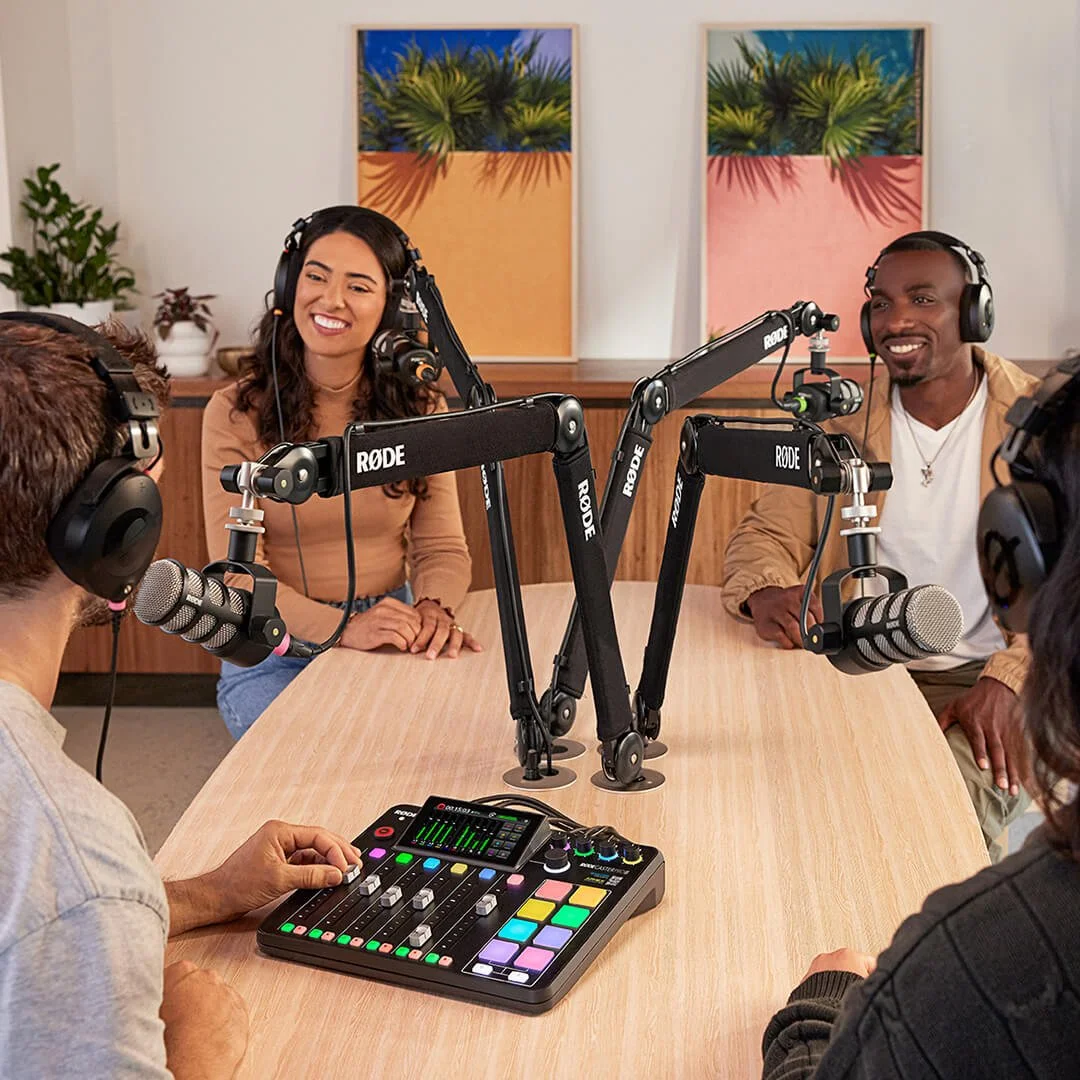
The RØDECaster Pro II stands out as the most well-rounded option available. It combines high-quality preamps, powerful onboard processing and multiple USB connections in a system that works for solo creators and larger podcasts alike. It’s designed to scale as your show grows, rather than needing replacement after a year.
In a real-world setup, this might be a weekly multi-host podcast with occasional guests, remote calls or video integration. The Pro II adapts easily, reduces setup friction and remains relevant as formats evolve, which is why it’s often the safest long-term recommendation.
So, What Should You Buy?
Podcast mixers aren’t mandatory, but the right one can make recording smoother, more confident and more enjoyable. The best choice depends on how you podcast, where you record and how much control you want during a session.
For many creators, simpler setups deliver better results. A mixer should support your workflow, not dominate it. If you’re unsure which direction makes sense for your podcast, getting advice early can save time, money and frustration. That’s exactly where Mavros Studios helps clients make smart, practical decisions.
Podcast Mixer FAQs
Do I need a mixer to start a podcast?
No. Many podcasts start with a USB microphone and a laptop. A mixer becomes useful as your setup grows or adds complexity.
What’s the difference between a mixer and an audio interface?
An audio interface connects microphones to a computer. A mixer adds real-time control and monitoring on top of that.
Can I record directly to a laptop with a mixer?
Some mixers offer USB recording. Others require an audio interface. Always check connectivity before buying.
How many channels do I need for a podcast?
Most home podcasts only need two to four microphone inputs.
Are podcast mixers hard to use?
Some are, but podcast-specific mixers are designed to be approachable and forgiving.
Is a mixer better than software controls?
Physical controls make it easier to react during recording, but software-only setups can still work well.
What is the best podcast mixer for home recording?
The best option depends on your space, number of microphones and comfort with technology. A simple, forgiving mixer is usually the best place to start.